
In today basically there are tow kinds of Databases They are Realational and Non-Relationala Data bases,
There are some kind of adavantages and disadvantages too.Today we are talking about Non -relational databse exaple called “mongo db” its very populer data base today.If we go through MERN stack it will be find for you and and other most of plases it will be used.
MongoDb is the No Sql Data base which is provied lots of functionlaitise to developers.in here Data or Recored are stored as documents becase it s the Dooucument base data base.Also there are JSON like notations are used which is Java scipts doucument based one.
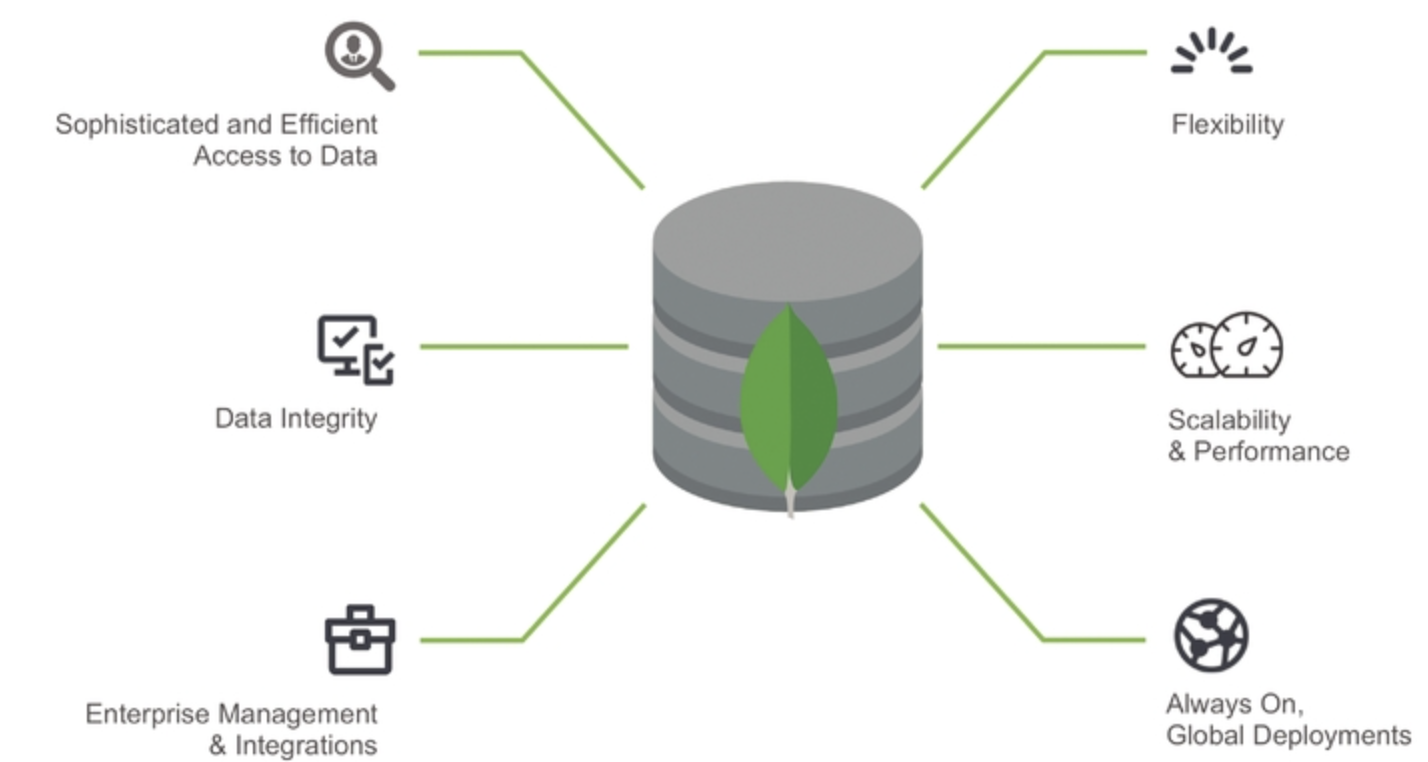
Lots of people are going to use MongoDb because..
- Document Oriented Storage − Data is stored in the form of JSON style documents.
- Index on any attribute
- Replication and high availability
- Auto-sharding
- Rich queries
- Fast in-place updates
- Professional support by MongoDB
Today we taliking about how setup mongoDb to your computer and some basic functionalities about it,before go to that setep you need to know what are the adavatages and disadvantages when you use MongoDb
Advantages of MongoDB over RDBMS
- Schema less − MongoDB is a document database in which one collection holds different documents. Number of fields, content and size of the document can differ from one document to another.
- Structure of a single object is clear.
- No complex joins.
- Deep query-ability. MongoDB supports dynamic queries on documents using a document-based query language that’s nearly as powerful as SQL.
- Tuning.
- Ease of scale-out − MongoDB is easy to scale.
- Conversion/mapping of application objects to database objects not needed.
- Uses internal memory for storing the (windowed) working set, enabling faster access of data.
Where to Use MongoDB?
- Big Data
- Content Management and Delivery
- Mobile and Social Infrastructure
- User Data Management
- Data Hub
Now you have basic idea behind what is it and why people are move to it.lets see how we use it.
- first you need to download and install MongoDb.to get the setup please go to this link https://www.mongodb.com/download-center/community
- then You need to install it according to the documentation you use your database local repository or using mogoDb atlas you can keep your database in Cloud
- then you can find the directory which your mogodb already have installed to your computer. It will be available in C: -> Program Files -> MongoDB -> Server -> 4.0(version) -> bin in that area. open with it in Command Prompt
4. in your cmd type “mongo”
then type “db”
it will be show current databases in your MongoDb and you can see all database by typing “show databases”
How to create new MongoDb database>>>
use <your_db_name>

Then it will navigate to that Database if it not exsit ,and also do you want go to exsiting db use that same code to map to that perticuler Database.
In RDBMS There are Tables but in Non-RDMS databse they dont have tables instaed have collections (JSon Objects)
So you need to create the Collections if you want to save data
So lets see how it will it go..
For example>>
if you need to create a collection called “customer”
db.customer.insert({"name": "john", "age" : 22, "location": "colombo"})
Then lets see how insert data to collections…
There are three methods of inserting data.
insertOne()is used to insert a single document only.
db.myCollection.insertOne(i
      {
       "name": "navindu",
       "age": 22
      }
)
insertMany()is used to insert more than one document.
db.myCollection.insertMany([
      {
        "name": "navindu",
        "age": 22
      },
      {
        "name": "kavindu",
        "age": 20
      },

      {
        "name": "john doe",
        "age": 25,
        "location": "colombo"
}
])
insert()is used to insert documents as many as you want...same to insert( ) fuction.
Here’s how you can query all data from a collection:
db.myCollection.find().pretty() or without pretty()
pretty() is responsible for show datas as JSON Object format
if you want to show data very specifc you can use it bellow
db.customer.find(
        {
          name: "john"
        }
)
so you can see all name :john as view
Lets See if you want update Data how it will go
db.customer.update({age : 20}, {$set: {age: 23}})

all customer age with 20,will be updated as 23.
Lets see how remove data from collection
db.customer.remove({name: "chanka"});
Conclusion
These are the simple operations when you use the MongoDB and also you can use logical operators to get very specific data from Database,to learn more goto MongoDB official site and refer more.
using that Post I tried to get a basic idea about MongoDB and it’s basic for you. Thank you

 Techi Today